

Branding Your Protocol PDFs
On paid plans, you can add your clinic's branding to all exported protocol PDFs.
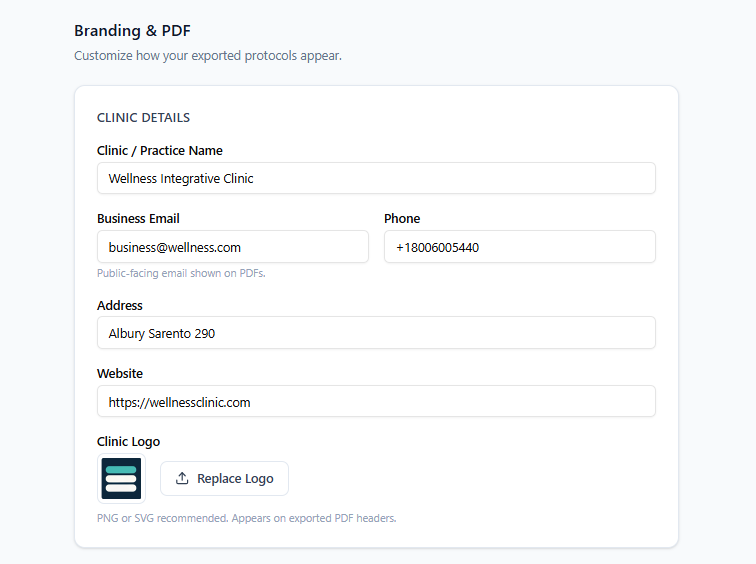
What You Can Brand
Clinic name — appears in the PDF header
Clinic logo — upload from your account settings
Practitioner name — pulled from your profile
Removing the PraxPilot watermark — available on Solo and Teams plans
How to Set Up Branding
Go to Settings → Branding.
Upload your clinic logo.
Confirm your clinic name and practitioner name.
Save. All future PDF exports will include your branding automatically.
Free Plan
Free plan PDFs include PraxPilot branding. Upgrade to Solo or Teams to use your own clinic branding.