

Exporting a Protocol as a PDF
Once a protocol is finalized, you can export it as a clean, patient-ready PDF.
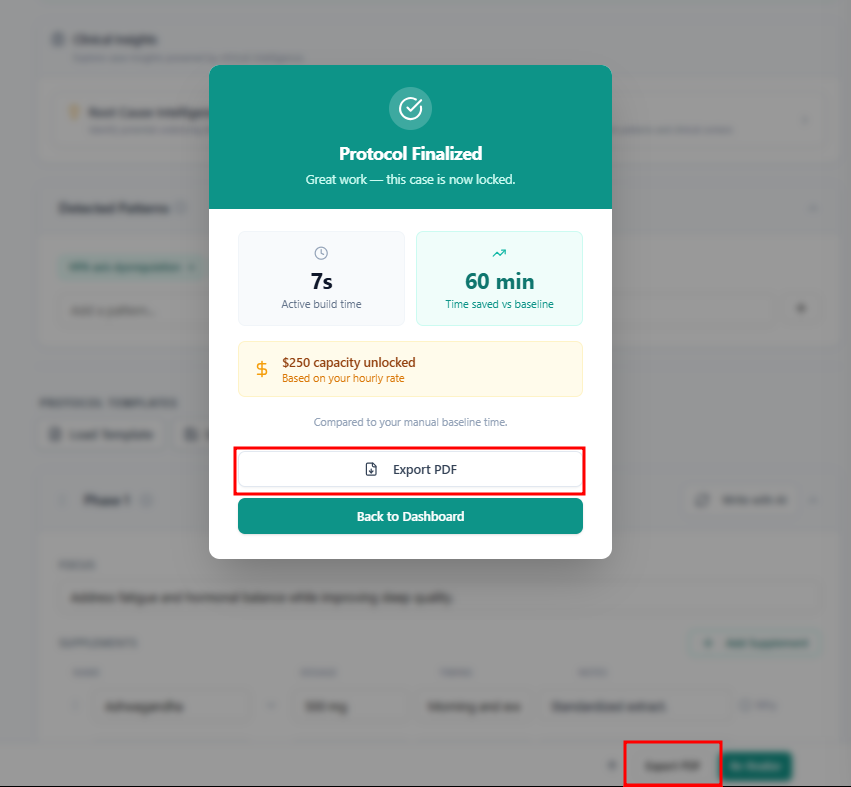
To Export:
Open the finalized protocol.
Click Export or Download PDF.
Select your export preferences (branding options, if available on your plan).
Download the PDF.
What the PDF Includes
Protocol title and patient reference
All three phases with supplements, dosing, timing, and rationale
Diet recommendations
Lifestyle recommendations
Your clinic branding (paid plans)
PDF Layout
The PDF is formatted for patient readability — clear headings, organized sections, and plain language explanations. It is designed to be handed directly to a patient or shared digitally.