

How to Save a Protocol as a Template
If you have a protocol structure you want to reuse for similar cases, you can save it as a template.
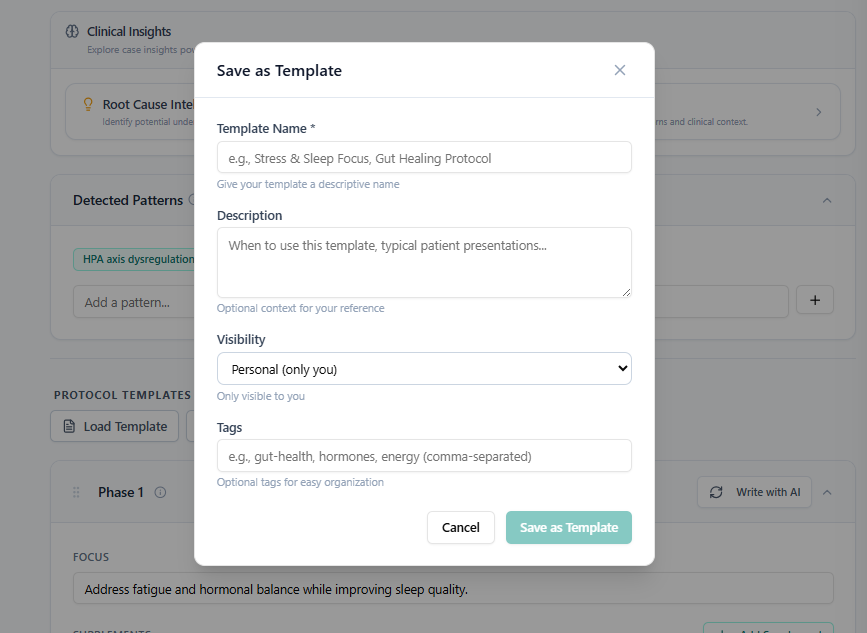
To Save a Protocol as a Template:
Open the finalized or edited protocol.
Click Save as Template.
Give the template a name (e.g., "Gut Repair — Standard" or "Hormonal Support — Phase 1 Focus").
Optionally, add tags to help you find it later.
Click Save.
What Gets Saved
The template captures the full protocol structure — phases, supplements, dosing, diet guidance, and lifestyle recommendations — exactly as it was when saved.
Accessing Your Templates
Your saved templates are available in the Template Library, accessible from the main navigation or from inside the protocol editor when working on a new case.